JavaScript Promises Explained for Beginners
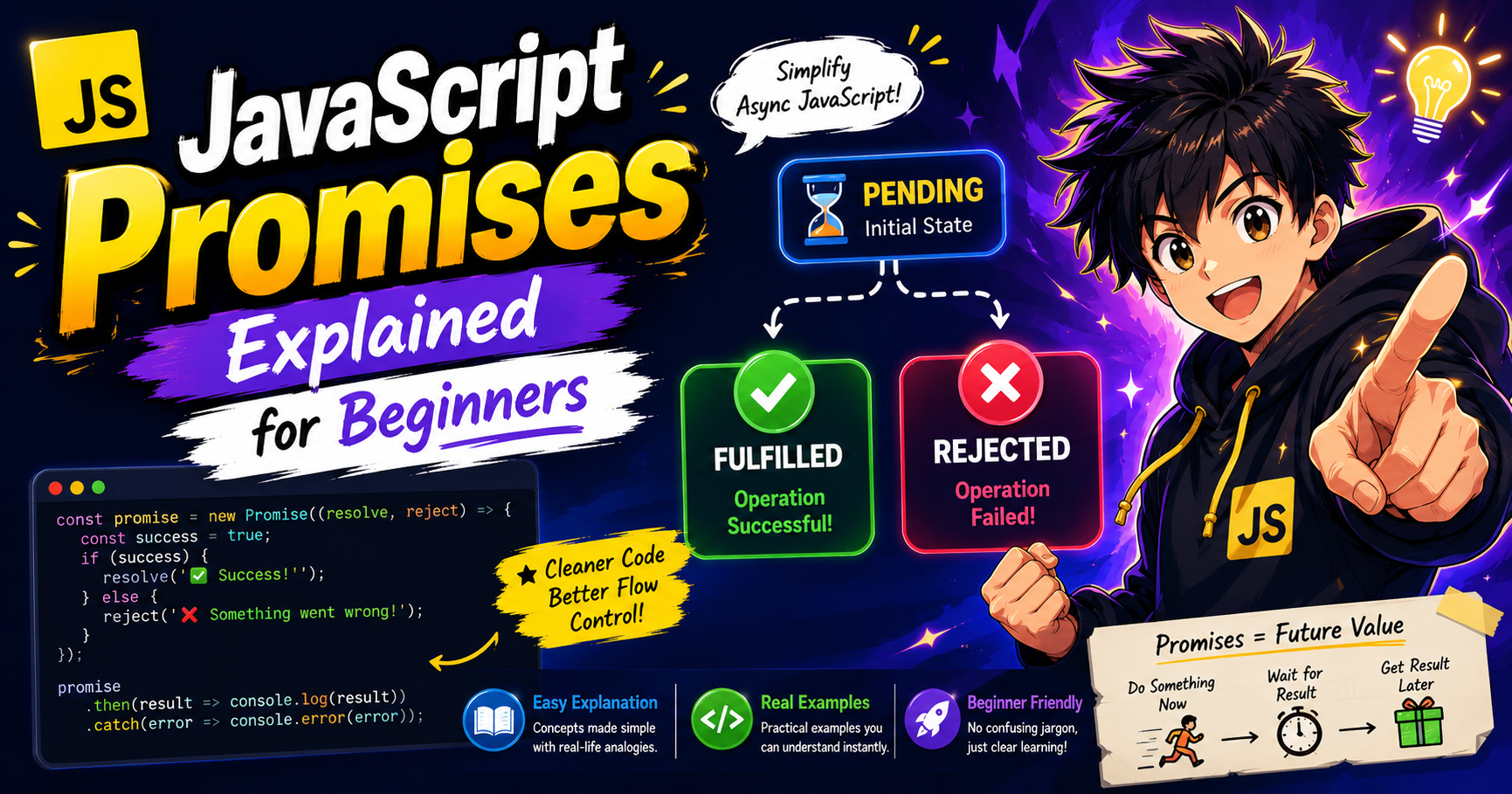
Understand how JavaScript Promises solve asynchronous problems by providing a cleaner way to handle future values, success, and failure in modern applications.
Introduction
JavaScript frequently deals with tasks that take time, such as:
Fetching data from APIs
Reading files
Database operations
Timers
These tasks are asynchronous, meaning they don’t finish immediately.
Before Promises, developers relied heavily on callbacks, which often led to messy and hard-to-read code.
To solve this, JavaScript introduced:
Promises
What Problem Do Promises Solve?
Before Promises, asynchronous code used callbacks:
getData(function(result) {
  getMoreData(result, function(finalResult) {
    getEvenMore(finalResult, function(data) {
      console.log(data);
    });
  });
});
Problems with callbacks:
Hard to read
Nested structure (Callback Hell)
Difficult error handling
Hard to maintain
Promises as a Solution
A Promise represents:
A value that will be available in the future.
Instead of immediately returning a result, a promise says:
“I will give you the result later”
“Or I will tell you if something went wrong”
What is a Promise?
A Promise in JavaScript is an object that represents the eventual completion (or failure) of an asynchronous operation.
Promise States
A Promise can be in one of three states:
1. Pending
Initial state — operation is still running.
Not completed yet
2. Fulfilled
Operation completed successfully.
Success → Data received
3. Rejected
Operation failed.
Error occurred
Promise Lifecycle Diagram
Pending
   ↓
Fulfilled  (Success)
   OR
Rejected   (Failure)
Creating a Promise
const myPromise = new Promise((resolve, reject) => {

  let success = true;

  if (success) {
    resolve("Task completed successfully");
  } else {
    reject("Task failed");
  }

});
Handling Promises
Handling Success (.then)
myPromise.then((result) => {
  console.log(result);
});
Handling Failure (.catch)
myPromise.catch((error) => {
  console.log(error);
});
Full Example
const task = new Promise((resolve, reject) => {

  let isDone = true;

  setTimeout(() => {

    if (isDone) {
      resolve("Task completed");
    } else {
      reject("Task failed");
    }

  }, 2000);

});

task
  .then(result => console.log(result))
  .catch(error => console.log(error));
Promise as a Future Value
Think of a Promise like ordering food:
You place an order → Pending
Food arrives → Fulfilled
Order fails → Rejected
You don’t get food immediately, but you get a guarantee of a future result.
Callback vs Promise Comparison
Callback Style
getData(function(result) {
  console.log(result);
});
Problems:
Nested code
Hard to manage errors
Promise Style
getData()
  .then(result => console.log(result))
  .catch(error => console.log(error));
Advantages:
Cleaner structure
Better error handling
Easier to read
Promise Chaining Concept
Promises can be chained for sequential operations.
Example
fetchData()
  .then(data => {
    return processData(data);
  })
  .then(processed => {
    return saveData(processed);
  })
  .then(finalResult => {
    console.log(finalResult);
  })
  .catch(error => {
    console.log("Error:", error);
  });
How Promise Chaining Works
Each .then():
Receives previous result
Returns a new promise or value
Passes it to the next
.then()
Promise Flow Diagram
Start Promise
     ↓
Pending
     ↓
Success → .then()
     ↓
Next .then()
     ↓
Final Result
     ↓
.catch() if error occurs
Error Handling in Promises
Errors can be handled using:
.catch()
Or inside .then() chain automatically if something fails.
Real-World Example: API Call
fetch("https://jsonplaceholder.typicode.com/users")
  .then(response => response.json())
  .then(data => {
    console.log(data);
  })
  .catch(error => {
    console.log("Error fetching data");
  });
Why Promises Improve Readability
Promises improve code because:
No deep nesting
Linear flow
Clear error handling
Easier debugging
Common Use Cases
Promises are used in:
API requests
File reading
Database operations
Timers
Authentication flows
Key Advantages of Promises
1. Better Structure
Code becomes flat instead of nested.
2. Error Handling
Centralized .catch() handling.
3. Chaining Support
Sequential async operations become easy.
Common Interview Questions
What is a Promise?
An object representing a future value of an async operation.
What are Promise states?
Pending
Fulfilled
Rejected
Difference between callback and promise?
Callbacks → nested, harder to manage
Promises → cleaner, chainable
What is Promise chaining?
Executing multiple async operations sequentially using .then().
Conclusion
Promises are one of the most important concepts in modern JavaScript.
They solve the problems of callback-based asynchronous code by providing:
Better structure
Improved readability
Strong error handling
Chaining support
Understanding Promises is essential before moving to modern tools like async/await, which are built on top of them.


