Error Handling in JavaScript: Try, Catch, Finally
Learn how JavaScript handles runtime errors using try, catch, finally, and custom error throwing to build more reliable and debuggable applications.
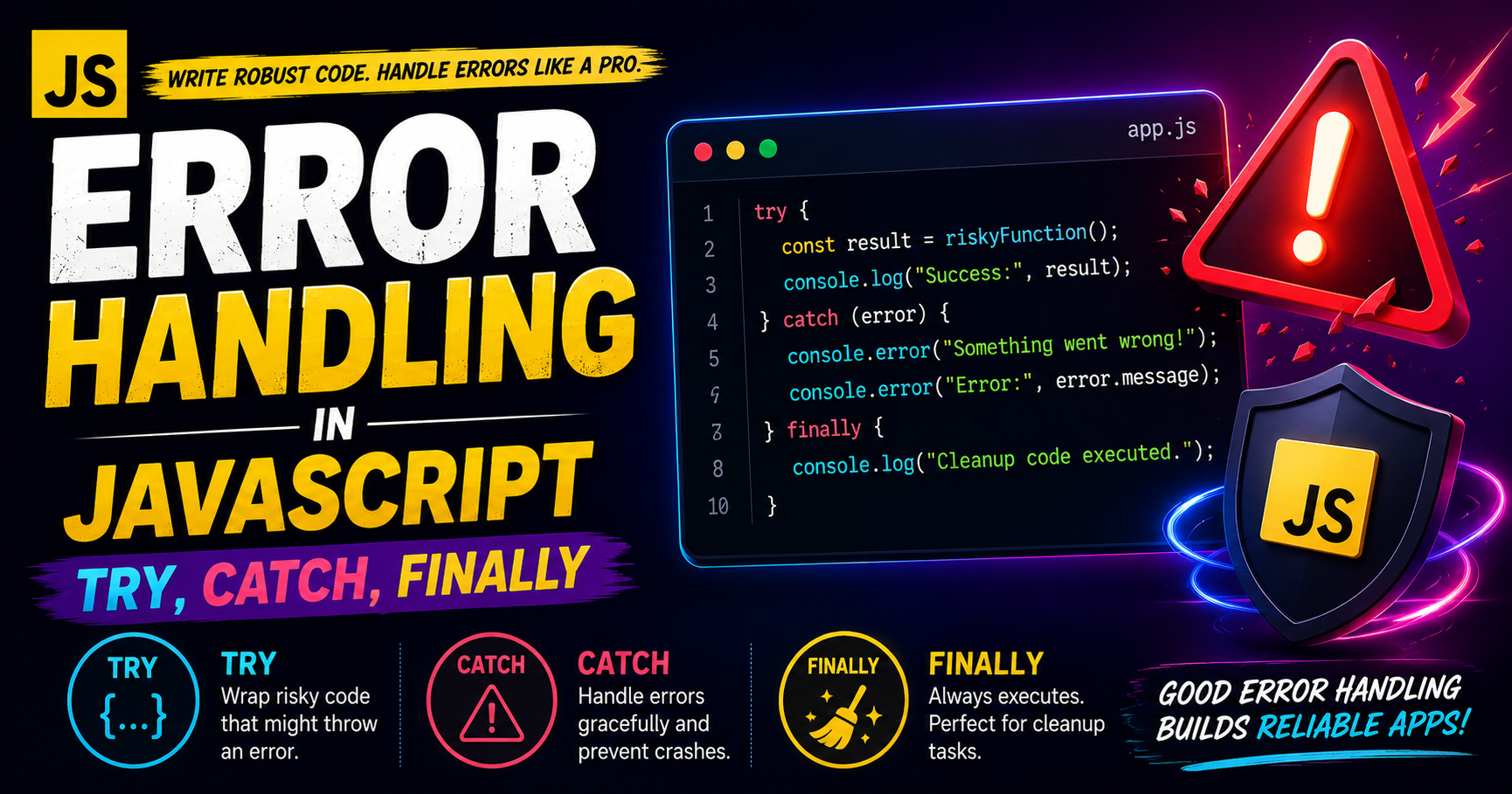
Introduction
Errors are a normal part of programming.
In JavaScript, applications can fail because of:
Invalid input
Undefined variables
API failures
Network issues
Wrong logic
Unexpected user behavior
If errors are not handled properly, the application may:
Crash completely
Stop execution
Show blank screens
Create poor user experience
That’s why JavaScript provides error handling mechanisms like:
trycatchfinallythrow
These help developers handle failures gracefully instead of letting the program break unexpectedly.
What Are Errors in JavaScript?
Errors are problems that occur while the program runs.
These are called runtime errors.
Example of a Runtime Error
console.log(userName);
Output
ReferenceError: userName is not defined
The program encounters an issue because userName does not exist.
Without error handling, execution may stop immediately.
Why Error Handling Matters
Proper error handling helps:
Prevent application crashes
Improve debugging
Show meaningful messages
Handle unexpected situations
Improve user experience
Instead of breaking the app, we can recover safely.
Understanding try and catch
JavaScript uses try...catch to handle errors gracefully.
Basic Syntax
try {

  // Code that may produce an error

} catch(error) {

  // Code to handle the error

}
How It Works
Step 1 — try Block
JavaScript executes code inside try.
If no error occurs:
Code runs normally
catchis skipped
If an error occurs:
Execution stops inside
tryControl moves to
catch
Example
try {

  console.log(user);

} catch(error) {

  console.log("Something went wrong");
}
Output
Something went wrong
Instead of crashing, the program handles the issue safely.
Accessing the Error Object
The catch block receives an error object.
try {

  console.log(user);

} catch(error) {

  console.log(error);
}
Common Error Properties
| Property | Meaning |
|---|---|
name |
Type of error |
message |
Description of error |
stack |
Error trace |
Example
try {

  console.log(user);

} catch(error) {

  console.log(error.name);
  console.log(error.message);
}
Error Handling Flow
Start Program
      ↓
Execute try Block
      ↓
Error Found?
   ↓       ↓
 Yes       No
 ↓          ↓
catch     Continue
 ↓
finally
The finally Block
The finally block always executes.
Whether:
An error occurs
No error occurs
A return statement exists
finally runs in all cases.
Syntax
try {

  // risky code

} catch(error) {

  // handle error

} finally {

  // always runs

}
Example
try {

  console.log("Trying...");

} catch(error) {

  console.log("Error occurred");

} finally {

  console.log("Finally executed");
}
Output
Trying...
Finally executed
Why finally is Useful
finally is commonly used for:
Closing database connections
Stopping loaders
Cleaning resources
Logging activity
Even if errors happen, cleanup still occurs.
Throwing Custom Errors
JavaScript also allows developers to create their own errors using throw.
Example
function divide(a, b) {

  if (b === 0) {
    throw new Error("Division by zero is not allowed");
  }

  return a / b;
}

try {

  console.log(divide(10, 0));

} catch(error) {

  console.log(error.message);
}
Output
Division by zero is not allowed
Why Custom Errors Matter
Custom errors help:
Validate inputs
Enforce business rules
Provide meaningful debugging messages
Control application behavior
Types of JavaScript Errors
1. ReferenceError
Occurs when a variable is undefined.
console.log(data);
2. SyntaxError
Occurs due to invalid syntax.
if(true {
  console.log("Hello");
}
3. TypeError
Occurs when using values incorrectly.
null.toUpperCase();
4. RangeError
Occurs when a value is outside allowed limits.
let num = 1;
num.toPrecision(500);
Real-World Example
Handling JSON Parsing Errors
const data = '{ "name": "Rahul" }';

try {

  const result = JSON.parse(data);

  console.log(result);

} catch(error) {

  console.log("Invalid JSON");
}
This is very common in APIs and backend communication.
Nested try...catch
JavaScript allows nested error handling.
try {

  try {

    console.log(user);

  } catch(error) {

    console.log("Inner catch");
  }

} catch(error) {

  console.log("Outer catch");
}
Graceful Failure
Good applications do not crash suddenly.
Instead they:
Show user-friendly messages
Log technical details internally
Continue working whenever possible
This concept is called graceful failure.
Try → Catch → Finally Execution Order
try
 ↓
Error?
 ↓
catch
 ↓
finally
 ↓
Program Continues
Best Practices for Error Handling
Handle Specific Problems
Avoid generic error messages everywhere.
Use Meaningful Custom Errors
Good error messages improve debugging.
Bad:
throw new Error("Wrong");
Better:
throw new Error("Password must contain 8 characters");
Avoid Silent Failures
Never hide errors completely.
At least log them.
Don’t Overuse try...catch
Use it only around code that may realistically fail.
Common Interview Questions
Difference Between throw and catch?
throwcreates an errorcatchhandles an error
Does finally Always Execute?
Yes, almost always.
It runs whether errors occur or not.
Can We Use try Without catch?
Yes.
try {

  console.log("Hello");

} finally {

  console.log("Done");
}
Conclusion
Error handling is one of the most important parts of writing reliable JavaScript applications.
Using:
trycatchfinallythrow
helps developers build applications that are:
Safer
Easier to debug
More stable
User-friendly
Understanding how JavaScript handles errors internally also improves problem-solving and interview preparation skills.


